Ten Steps You Can Take to Protect Yourself and Your Family
You probably already know you shouldn’t use “password123” as your password. And most of us have learned to be suspicious of an email from a prince offering us millions of dollars.
Still, many of us don’t know what to do against online scams. And before we’ve figured it out, they’ve gotten a lot more sophisticated.
1. Create a family password.
This one may sound a little unusual, but it could become increasingly important.
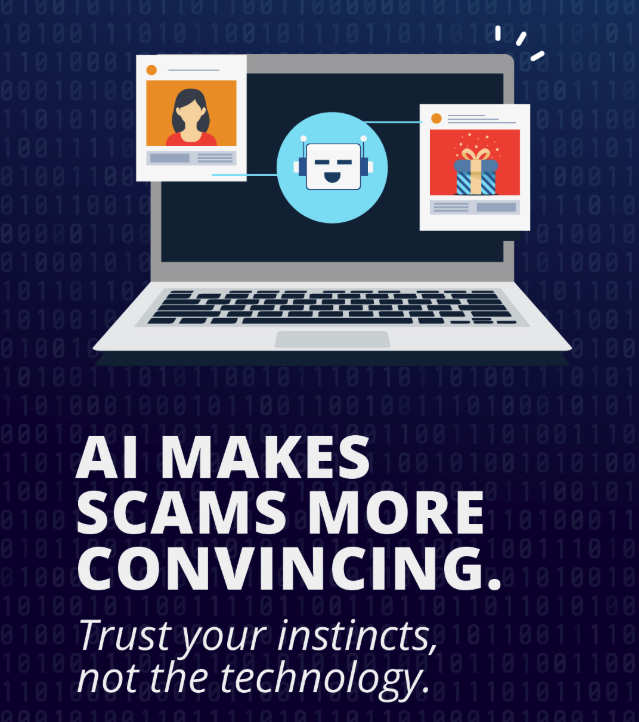
Artificial intelligence can now be used to imitate a person's voice. A scammer could call pretending to be your child, grandchild or spouse and claim there has been an accident, an arrest or another emergency. The voice may actually sound like them.
The FBI recommends establishing a secret word or phrase with family members that can be used to verify their identity.
Pick something your family will remember but that a stranger couldn't easily discover through social media. If you receive that frightening phone call someday, ask for the word. If they don’t know it, it’s not really them.
Better yet, hang up and call your loved one directly at a number you already know.
2. If your "bank" calls, you can hang up.
Caller ID isn't proof of who's calling. Scammers can make a call appear to come from a legitimate business or financial institution.
So if someone unexpectedly calls and says there's a problem with your account, you don't have to continue the conversation.
Hang up and call your financial institution yourself using a number you know is legitimate. Don't simply redial the number that called you.
3. Nobody needs you to move your money to "protect" it.
Someone claiming to be from a bank's fraud department tells you your account has been compromised. Fortunately, they can help! You just need to transfer your money to another account, send it through a payment app or move it somewhere "safe."
Don't.
The Federal Trade Commission specifically warns consumers that someone telling you to move money to protect it is a scammer.
If you're concerned about your account, stop the conversation and contact your financial institution directly.
4. Changing your strong password on time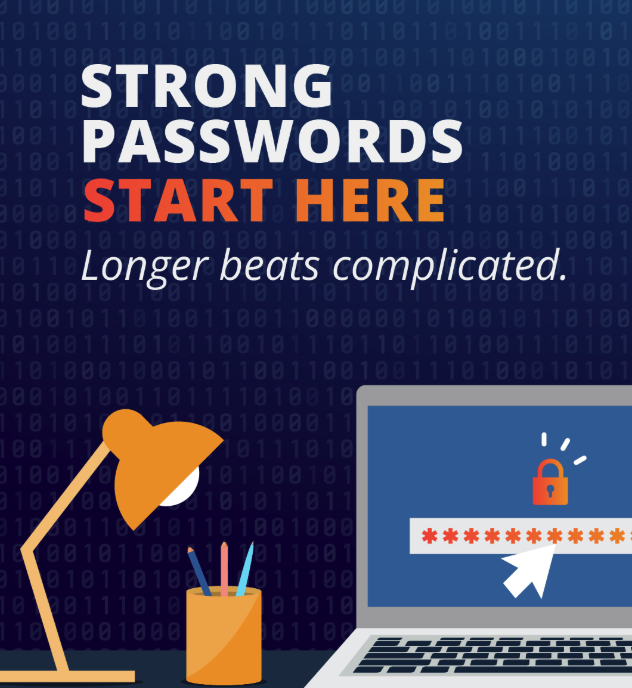
Remember two things when it comes to passwords. Change them regularly, and keep them strong.
First, it’s recommended to change your password every 60 days. But when you change it, keep it strong.
If your password is “Buckeyes123!”, and you change it to “Buckeyes123@“, that won’t do the trick.
Use a long password or passphrase, never reuse an important password on multiple accounts, and change a password immediately if you have reason to believe it has been compromised.
A reputable password manager can make this much easier.
5. Protect your email account especially well.
We tend to think first about protecting our financial accounts. But there's another account a criminal would love to control: your email.
Think about what happens when you forget the password to an online account. Where does the password-reset link usually go?
Your email.
Someone who controls your email may be able to reset passwords on other accounts and lock you out of them. Use a unique password on your email account and enable multifactor authentication.
6. Turn on multifactor authentication
Multifactor authentication, sometimes called MFA, 2FA or two-step verification, adds another layer between a criminal and your account.
Use it whenever it's available, particularly for your financial and email accounts.
7. Put a PIN on an account on your cell phone account.
Your phone number is connected to an enormous part of your digital life.
In a "SIM swap" scam, a criminal convinces a wireless carrier to transfer your phone number to a device they control. Now your calls and text messages — potentially including security codes — go to them.
One simple defense is to contact your mobile carrier or check your account settings and establish a PIN or password that must be provided before changes can be made to your account.
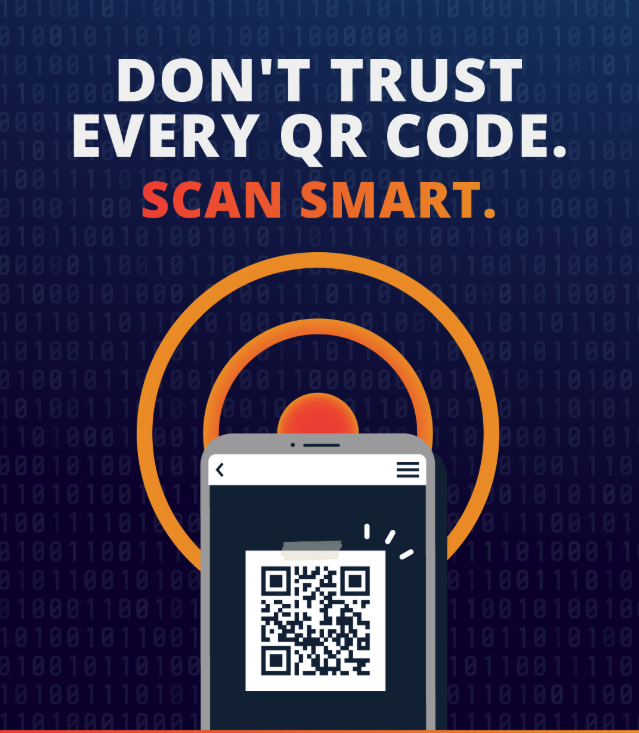 8. Treat QR codes like links.
Most of us have learned not to click a strange link in an email. But then we'll point our phone at a QR code without thinking twice.
Scammers know that.
The FTC has warned about criminals placing fraudulent QR-code stickers over legitimate codes, including codes used to pay for parking. A fraudulent QR code can take you to a convincing fake website designed to collect your login or payment information.
Before continuing to the website, look at the address your phone displays. If it looks scammy, it likely is.
9. Be suspicious of the payment method, not just the story.
Be particularly cautious when someone unexpectedly insists that you pay through a wire transfer, cryptocurrency, gift cards or a person-to-person payment app.
And here's an especially important rule: Never send money to yourself because someone tells you it's necessary to protect your account.
10. Consider freezing your credit before something happens.
You don't have to be a victim of identity theft to freeze your credit.
A credit freeze makes it much harder for someone who has stolen your personal information to open a new credit account in your name. According to the FTC, anyone can place one, it is free to place or lift, it doesn't affect your credit score, and it stays in place until you lift it.
It's one of the strongest protections available to consumers, and many people don't think about using it until after their information has already been stolen.
 One More Rule: Urgency Is Your Cue to Slow Down
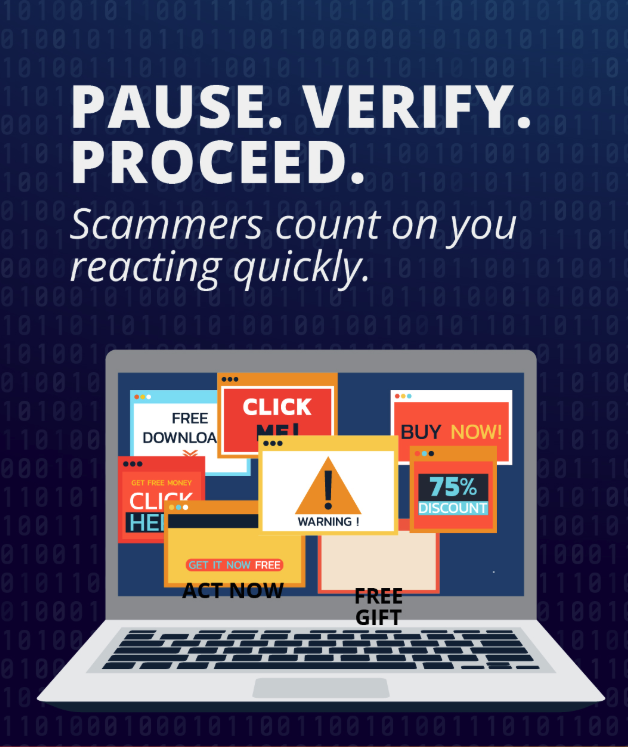
There is a common thread running through many successful scams.
Something bad is happening, and you have to act RIGHT NOW.
Your account has been hacked. Your grandson is in jail. There's a suspicious charge. The police are coming. Your computer has a virus. Your package can't be delivered. It all creates a sense of urgency.
Hang up. Don't click the link. Don't provide the code. Don't send the money.
Then verify what you've been told using a phone number, website or person you already know and trust.
It all comes down to this:
Slow down. Verify. And when it comes to your money or personal information, don't be afraid to hang up and start the conversation yourself.
At your Ashland Community Federal Credit Union, helping our members protect their financial lives is part of serving our community. If you're ever unsure about a communication involving your account, contact us directly before taking action. And if you ever have any questions at all about cybersecurity or fraud taking place in any walk of life, you can talk to us about that, too.
We’re people helping people, and that means all of the time, in every way that we can.